
PoE Cabling for Cameras and Wi-Fi: A Kansas City Business Checklist
November 19, 2026
A new security camera or Wi-Fi access point needs more than a convenient place to mount it. Before adding connected devices to a Kansas City or Lawrence business, confirm how power and data will reach each location and who will be responsible for the installation.
Power over Ethernet, usually called PoE, can simplify the connection by delivering power through compatible Ethernet cabling. A successful project still needs coordination between the business, its IT provider, its device installer, and the cabling contractor.
Understand what PoE does
Cisco’s PoE overview explains how compatible equipment supplies electrical power over copper Ethernet cabling. Common uses include IP cameras, wireless access points, and desk phones. The switch or injector and the connected device must support a suitable power arrangement.
PoE is not a guarantee that every port can power every device. Equipment has per-port limits and an overall power budget. Have your IT provider verify the required PoE type and the available capacity for the complete device list, including planned additions.
Create a device schedule before requesting cabling
List every camera, access point, phone, or other proposed device. Include the exact model, intended mounting location, required network connection, and manufacturer power specifications. Ask the system designer to approve coverage and device locations before cable routes are finalized.
For Wi-Fi, a network design should guide access point placement. For cameras, the security system provider should establish viewing requirements. A cabling installation supports those designs; simply placing a cable at the nearest convenient location does not establish adequate wireless coverage or camera performance.
Plan the full route back to the network equipment
Mark each connection on a floor plan and identify the network room or cabinet it will return to. Note ceiling access, occupied work areas, exterior walls, and any locations that may require lift access or coordination with other trades.
Ask the cabling contractor to verify pathway suitability, cable rating, support, penetration treatment, and separation requirements for the installation. The environment matters: an exterior route or a different air-handling space may call for different materials than an ordinary interior route.
Distance also matters. Microchip’s PoE introduction describes a standard maximum reach of 100 meters. Have the contractor check the complete channel, including patch cords. Longer routes need an engineered alternative rather than an assumption that another copper run will work.
Coordinate power and network resilience
Discuss where the switch will be installed and how its electrical supply will be provided. If backup operation matters, ask the IT provider to define which devices must stay online and for how long. Then coordinate the requirements for the switch, recording equipment, internet connection, and any backup power equipment.
A camera connected to a PoE switch can still lose service when supporting equipment loses power. Treat backup performance as a system question and have the responsible provider document the proposed behavior.
Define testing and handover requirements
Include labeling and test documentation in the requested scope. Ask how installed links will be verified against the selected cabling specification and who will perform the final powered-device checks.
At handover, keep a location list that connects each device to its outlet, patch-panel position, and switch port. Identify responsibility for network configuration, camera setup, credentials, software updates, and future support. Clear ownership helps prevent a physical cabling issue from being confused with a device or network configuration problem.
Questions to settle before installation day
- Who approves camera and access point locations?
- Which device models and PoE requirements are included?
- Who provides the switch and confirms its total power budget?
- What access, downtime, or landlord coordination is required?
- Which labeling, test records, and final checks will be delivered?
Lynn Electric provides commercial electrical and office data cabling services. Request an estimate to discuss the cabling and electrical portion of a camera or Wi-Fi project in Kansas City or Lawrence, and coordinate that scope with your IT or security provider.
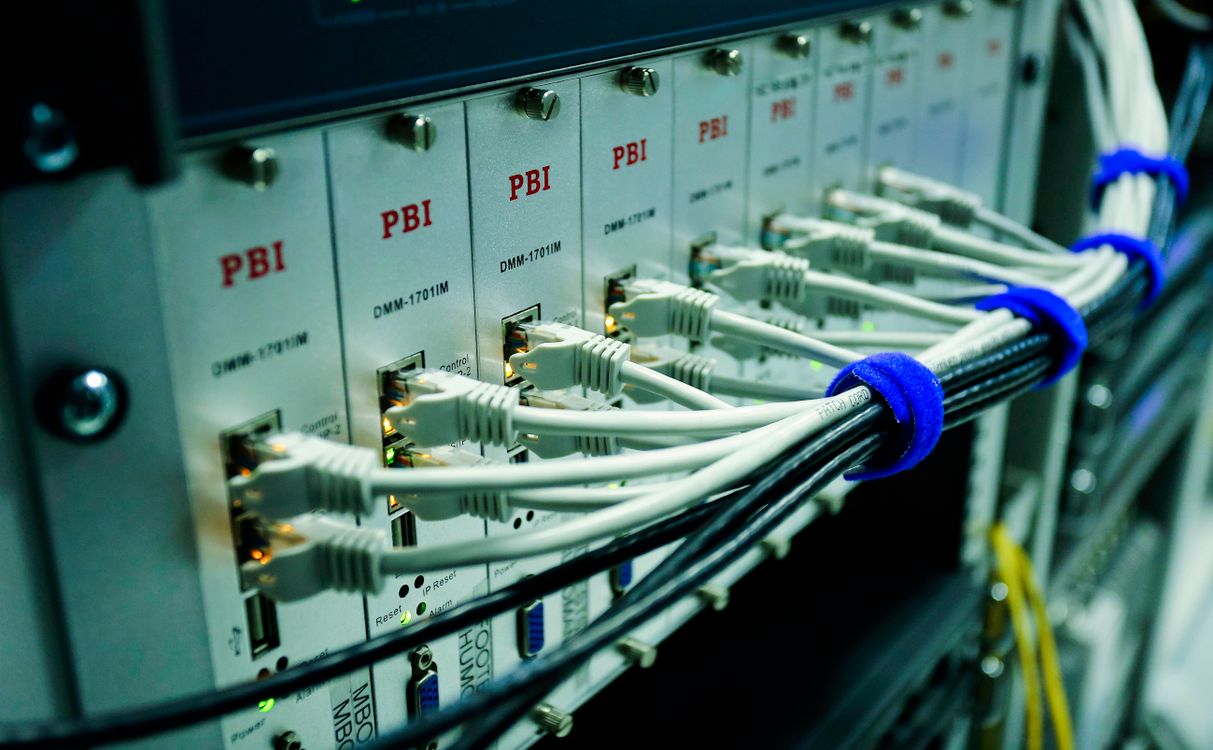
Stock photo: Sergei Starostin / Pexels. Image is illustrative.



Need Help or have a Question?
Fill out the form and a service member will be in contact with you shortly.


